All workflows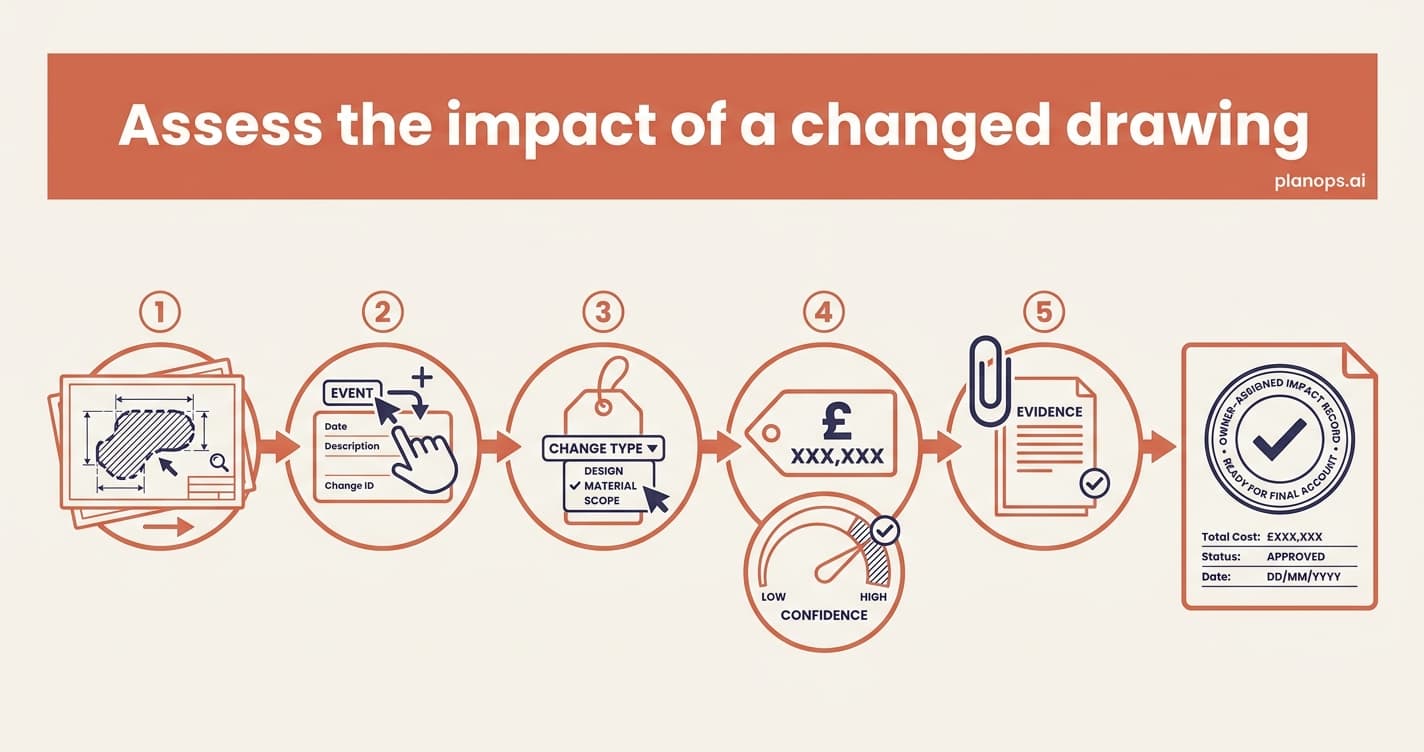
Design & Change Control~10 minutesintermediate1 AI step
Assess the impact of a changed drawing
A revised drawing lands. Let PlanOps review it and raise the queries, then turn each change into a costed, owner-assigned record — before it becomes a disputed claim at final account.
What you walk away with: Every change from the revision captured as a typed event, costed with a confidence level, and linked back to the source drawing and its RFIs — defensible at final account.
The 4 steps
Expand any step for the detail - guides for the steps you do, the inputs and outputs for the steps PlanOps runs.
Steps marked AI task are done for you by a PlanOps assistant.
Written for: project manager, commercial manager
Related workflows
A fully-costed, owner-assigned impact record linked to the changed drawing.
Start free with 50 Intelligence Units. Every step here works on day one.