Construction AI Brief
Construction AI this week: DCW prep, AI insurance gaps, and LinkedIn's slop crackdown
Digital Construction Week is next week, professional indemnity insurers are starting to write AI out of their policies, and LinkedIn has begun throttling the reach of AI-cadence posts. A practical, slightly less polished brief — by design.
AI-assistedPrepared with AI assistance and human editorial review.
Today’s context: This brief covers the latest movements in AI tooling, adoption and signals for construction teams. Read on for what matters and what to focus on.
Industry Readiness
Digital Construction Week, 3–4 June at ExCeL — what to actually go for
Digital Construction Week opens next Wednesday at ExCeL and runs Wednesday and Thursday. The scale is meaningful: more than 230 CPD-accredited sessions across ten stages, and a speaker bill that includes Arup, Balfour Beatty, Skanska, Mace, Laing O'Rourke, Heatherwick Studio, Transport for London, the NHS and Tata Steel. The headline AI sessions are two. On the Inspire Stage, Suzanne Hill from AI for SMEs is running "Will an AI-enabled construction industry still need main contractors?" — a slightly mischievous title for a panel that's actually about how project structures shift when agents take on work currently done by junior PMs and admin. On the Information Management Stage on Wednesday 3 June, 16:00–16:30, "Beyond BIM: AI, Digital Twins & Real-Time Delivery" features Lilian Ho (Associate Director at AECOM Engineering, Director of the MSc in AI for Architecture & Construction) and Vicki Reynolds (Technical Director of Digital Estates at ONE Creative, Director of the MSc in Global BIM Management).
A note on how to use the event. Vendors have learnt to demo well; the questions are where the value sits. Useful ones: where exactly does the data live and who can see it? What does the audit trail look like for an AI-assisted output? How is it priced once you move past the pilot — per seat, per token, per project? Bring two or three specific workflows you'd like to automate and check them against what's on the stand, rather than asking what the platform "can do".
For your team: Pick three sessions before you arrive, list the two questions you want answered, and book one demo by appointment rather than queuing. If you can only attend one day, go Wednesday — the AI and digital-twin programme is heavier on day one.
Government & Policy
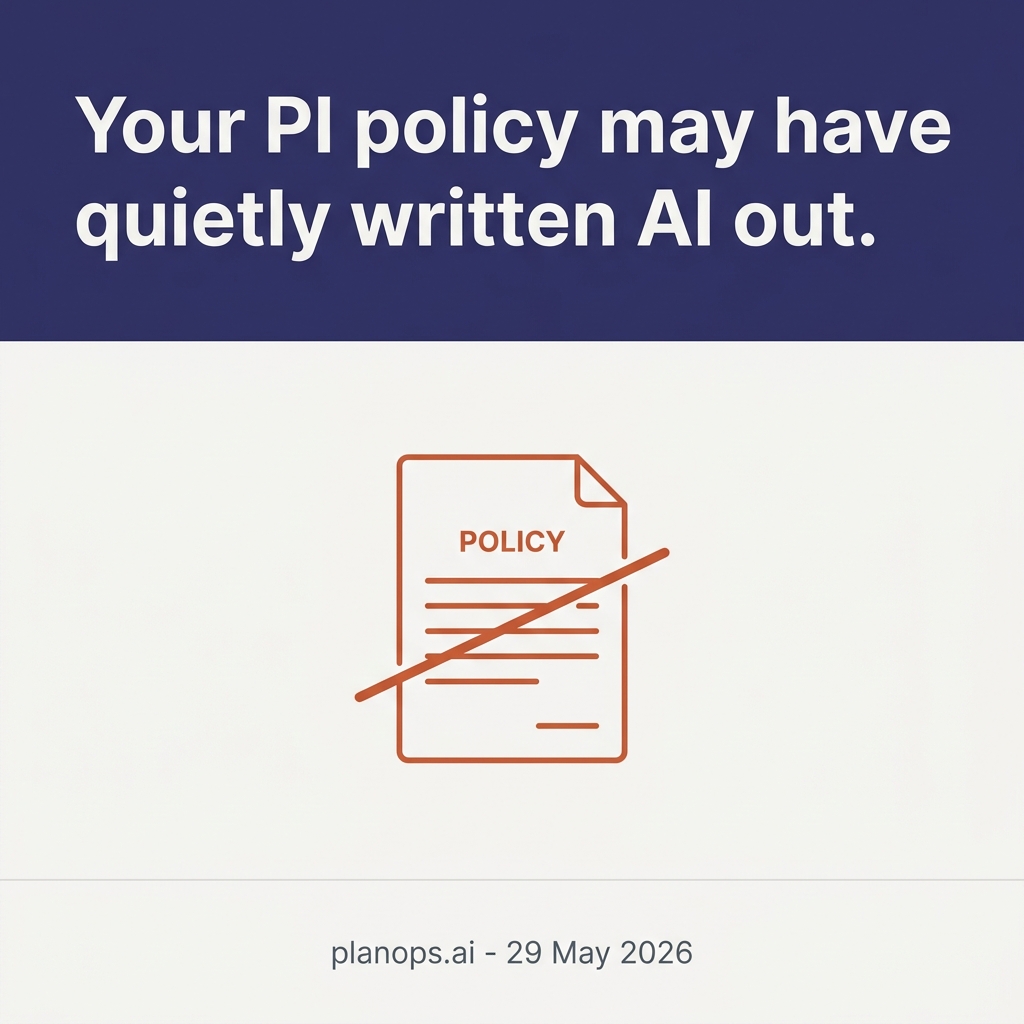
Professional indemnity insurers are starting to write AI out of cover
A quieter but more consequential story for anyone delivering chargeable design or advisory work. The 2026 PI market has shifted. Traditional professional indemnity policies may not respond to AI-related errors, and insurers are increasingly asking firms to disclose AI use as a condition of cover. Berkley has gone furthest, introducing an "absolute" AI exclusion across D&O, E&O and fiduciary liability policies that names ChatGPT, Bard, Midjourney and DALL-E specifically. Other insurers are taking softer routes — sub-limits, disclosure requirements, or narrower exclusions tied to specific use cases — but the direction of travel is the same. For architects, engineers and consultants who've quietly started using generative tools on drawings, specifications, reports or client emails, this is the bit of the AI story that lands in your wallet first.
Two things to take from this. First, you need to know what your current policy actually says about AI — not what your broker said over a coffee, but the written words. Second, the response from clients on regulated work (anything BSA-touched, anything safety-critical) is going to be tighter contractual provisions: bespoke AI clauses, disclosure obligations, and warranties that human review actually happened. Move ahead of that conversation rather than waiting to be asked.
In practice: Before your next PI renewal, audit who in the business uses which AI tools, on which deliverables, and how it's logged. Get the policy wording reviewed against that audit. If your insurer adds an exclusion you can't accept, that's a procurement conversation, not a quiet acceptance.
Tools & Platforms
Claude Code v2.1.152 ships a per-category cost breakdown — useful if you're trying to control spend
A small but practical release. Anthropic shipped Claude Code v2.1.149 through v2.1.152 over the last few days, and the change worth knowing about is in the /usage command. It now shows a per-category breakdown of what's actually driving your limit consumption — skills, subagents, plugins, and per-MCP-server costs. If you've ever had a Claude Code session burn through a budget faster than expected and not been sure why, this is the visibility that fixes it. It also lets you do the thing we've been recommending for a few briefs now: route the work to the cheapest model that clears your quality bar, instead of paying frontier rates for everything.
This is part of a broader pattern across the major coding-agent tools — Cursor, Claude Code, Antigravity, Codex — that the controls and observability are catching up with the capabilities. A year ago you guessed at cost. Now you can see it line by line. That changes the build-vs-buy maths on internal automations, which we touched on yesterday with Composer 2.5.
The practical bit: If your team uses Claude Code, run /usage after a working session and look at the breakdown. The high-cost items are usually subagent calls and large MCP server queries; both can be tuned.
OpenAI named a Gartner Leader for enterprise coding agents — and ships a content-provenance tool
Two small items from OpenAI this week. Gartner named OpenAI a Leader in its 27 May Magic Quadrant for enterprise coding agents — useful air cover if you're trying to get a Codex or ChatGPT enterprise rollout through procurement, because Gartner placement is still the shortcut for "this is no longer experimental". And separately, OpenAI shipped a content-provenance tool that combines C2PA conformance, SynthID watermarking for images, and a public verification preview that lets anyone check whether an image was generated with OpenAI tools.
The provenance piece matters in a construction context because it puts a marker on AI-generated visualisations, mood boards and client renders. If you commission, supply or publish those, watermarking and verification become useful evidence — both ways. You can prove what you generated; clients can check what they received. Expect Google and Anthropic to make similar moves over the next quarter.
Adoption & Distribution
LinkedIn's AI slop crackdown — and why this issue is written slightly differently
On 18 May LinkedIn confirmed it's throttling the reach of AI-cadence posts. The detection model is built on patterns its engineers and editorial team identified in how members actually engage: it suppresses recycled "thought leadership", obvious engagement bait, and content that doesn't add perspective. It also flags specific phrasings that have become AI tells — the "it's not X, it's Y" cadence being the most-cited example. Posts that get flagged still show to your direct connections and followers, but they're dropped from the recommendation feed that drives most of the reach. LinkedIn says organic reach is down roughly 50% year-on-year overall, but authentic, expert-level content is reportedly outperforming where it used to.
The implication for anyone doing thought leadership on LinkedIn is straightforward: stop letting an LLM ship to your feed. Use AI for research, outlines, drafting passes you then rewrite, and proofreading — but the final voice needs to be a person. Concrete edits that help: drop the "it's not X, it's Y" construction; vary sentence length aggressively (some short, some long); use contractions; cut the words that signal LLM output (delve, leverage, harness, robust, seamless, comprehensive, navigate, ensure); avoid perfectly parallel tricolons; include specific, named details that only you would know; and add the occasional aside or opinion. None of these are tricks — they're how real writing reads.
For full transparency: I've drafted this issue with that in mind. The "Why it matters" header has rotated through other phrasings ("For your team", "In practice", "The practical bit"), the cadences have been broken up on purpose, and I've left a few asides in that an LLM normally edits out. Tell me whether it reads better.
For your team: Run last week's LinkedIn posts past a search for the flagged phrases. If you have a content workflow that drafts posts with AI, add a "human-voice pass" as a non-optional step before publishing.
What matters most
- →DCW is the year's best one-stop view of what UK construction AI actually looks like in practice. Pick three sessions and go with a question, not a notebook.
- →The legal and insurance perimeter around AI is hardening. PI exclusions and AI disclosure requirements are arriving quietly; surface them before a claim does.
- →On distribution, write like a person. Drop the cadences that LinkedIn now penalises and the ones your audience has stopped reading.
Ready to put AI to work on your projects?
50 free Intelligence Units. Set up your first project in under 20 minutes. No credit card needed.
Get 50 free Intelligence UnitsGet the brief by email
Daily practical AI insight for construction teams. What changed, why it matters, and what to ignore.
50 free Intelligence Units - automate your programme admin
Why PlanOps publishes this
We help construction teams turn AI into useful work, not noise. Understanding what’s changing in AI is the first step. Making it work on-site is the real difference.
Found this useful? Share it.